
Your Stages, Your Structure
Set up projects around the work stages your practice already uses, then track time, cost, and fee against each one individually.
Loading

Free trial, full access
Ready-made reports
Project templates
Uptime guarantee
Architecture is one of the few professions where the fee is agreed long before the work is understood. These are the problems Arcprojects.io was built to solve.
You agree a percentage or lump-sum fee at the outset, then discover how much design time the project really needs. Without live cost data against each stage, you only find out you have overrun once the work is already done.
Hours logged against a whole job tell you nothing useful. Unless time is captured against the specific stage and task, you cannot see which parts of your service are profitable and which quietly erode your margin every time.
Extra sketches, revised layouts, and additional client meetings rarely get recorded as variations. The work happens, the hours disappear into the base fee, and the additional service is never invoiced.
A planning deadline on one job collides with a tender package on another. Without a clear view of who is committed where over the coming weeks, the same few people end up overloaded while capacity sits idle elsewhere.
Stage completions are reached but not billed for weeks, because assembling the figures means chasing timesheets and reconciling spreadsheets. Cash flow suffers for work your practice has already delivered.
Every fee proposal is a fresh guess because nobody can say what a comparable project actually cost to deliver. Without historic figures, pricing stays instinct rather than evidence.
In a typical commission, design hours spread across the stages roughly like the split shown here — but every practice and every project is different, and the split you assume is rarely the split you get. Arcprojects.io draws the real picture from your timesheets as the job progresses.
When each bar fills from live time data instead of end-of-job guesswork, the third revision round at developed design shows up in the week it happens — while the technical stages still have fee left to protect.
Illustrative split — your live dashboard draws the real one from approved timesheets, per project and per stage.
Arcprojects.io began in the world of architecture, engineering, and quantity surveying — not as a generic task list adapted afterwards. That origin shows in how the platform handles fees, work stages, and studio resourcing.
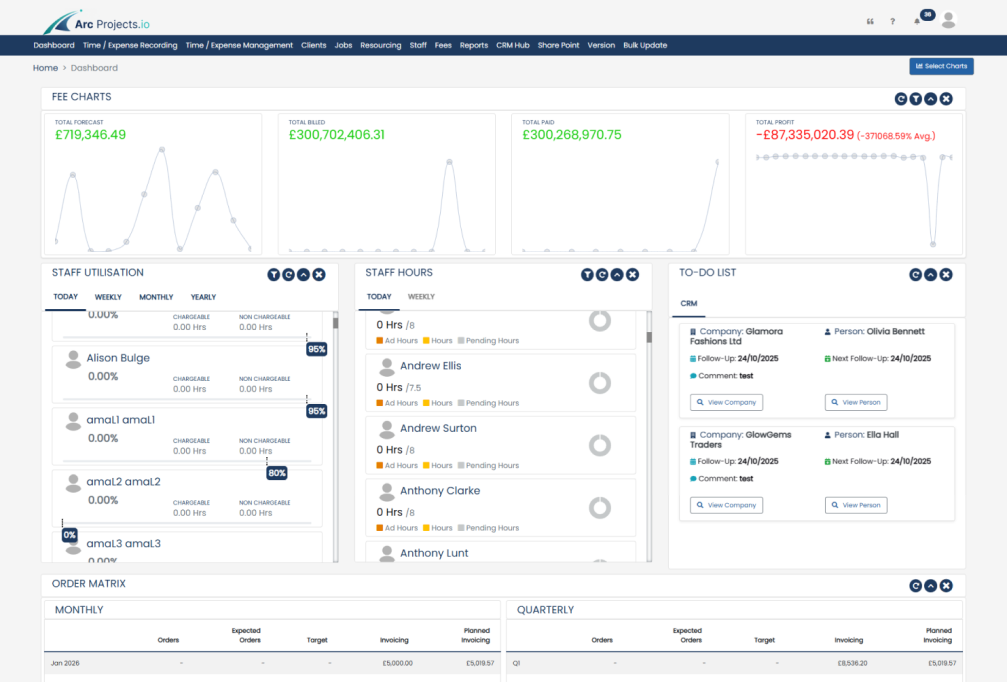
You structure each project around your own stages, record time against them, and watch fee against cost move in real time. Whether you run a five-person studio or a multi-office practice, the platform flexes to your way of working rather than forcing a new one on you.

Set up projects around the work stages your practice already uses, then track time, cost, and fee against each one individually.

From a small practice to a large multi-disciplinary firm, you pick only the modules you need and add more as the studio grows.
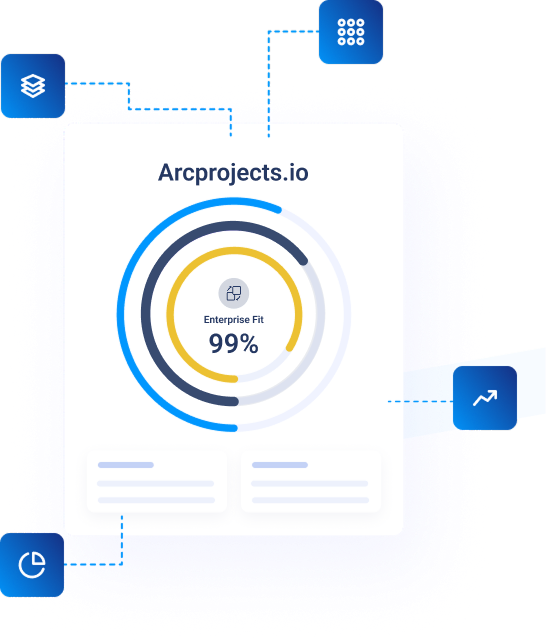
Pick the modules that suit your studio. Each one shares data with the others, so time recorded once flows through to cost, fee, and invoice automatically.

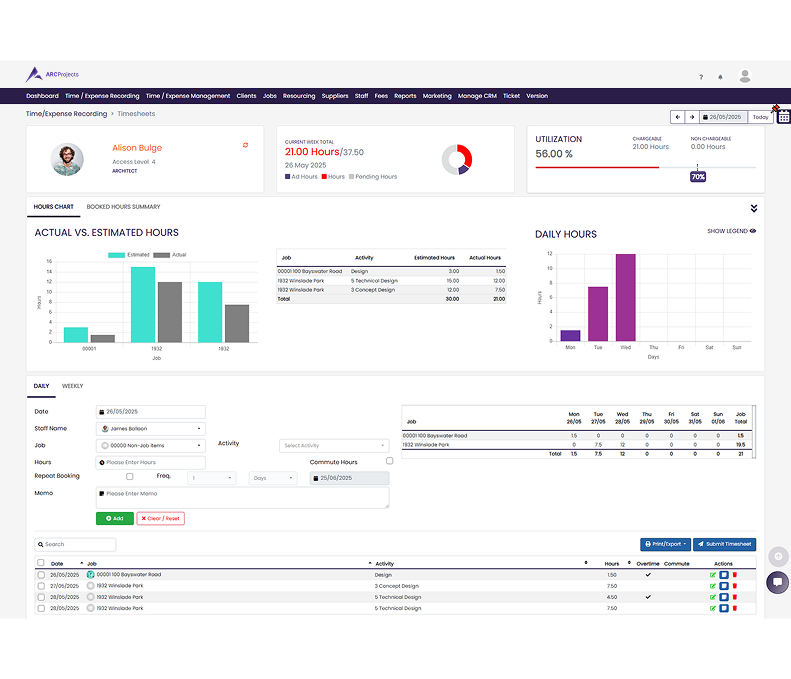
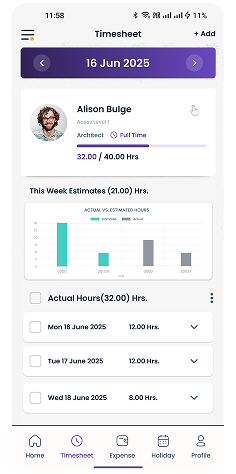
Your team records hours against the specific project and stage they are working on, daily or weekly. Timesheets pass through approval before they reach cost reports and invoicing.

Build fee proposals from your own rates, set different charge-out rates by grade or role, and compare the agreed fee against costs incurred as the project progresses.

Interactive Gantt charts show who is committed to which project and when. Spot the clash between a planning submission and a tender package weeks before it becomes a crisis.

Watch costs accumulate against each stage in real time and keep sight of work in progress. Catch an overrun while there is still design time left to manage it.

Raise invoices as stages complete, straight from approved time and agreed fees. Capture additional services as variations so extra work is billed rather than absorbed.

See actual against estimated hours, project profitability, and studio utilisation across the whole portfolio — the evidence that makes your next fee proposal a calculation rather than a guess.

Track enquiries, competitions, and repeat clients in one place. When a proposal is won it becomes a live project without anyone re-keying the client details.

Capture printing, travel, planning fees, and site visit costs against the right job as they happen, so recharges are never missed at the end of the month.

Manage leave requests and allowances alongside delivery, so the resource plan always reflects who is genuinely available. Timesheets, expenses, and holidays approve from one queue.

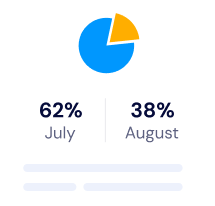
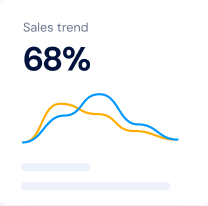
The difference between a profitable practice and a busy one is knowing where the fee stands today. Arcprojects.io updates the moment a timesheet is approved, so stage costs, remaining fee, and studio utilisation are always current.

See how much of each stage fee has been consumed and what remains — before the overrun rather than after the invoice.

Know who is stretched and who has capacity, so you can rebalance work before deadlines slip or people burn out.

Historic figures on comparable projects turn fee proposals from instinct into calculation — and give you the confidence to hold your price.
Arcprojects.io suits practices that bill for professional time and juggle several live projects at once — whether you are a small studio or a multi-office firm.
 You bill on percentage, stage, or lump-sum fees Several projects run concurrently across the studio Timesheets currently live in spreadsheets Project profitability is only known afterwards Additional services often go unbilled Resource clashes surface far too late Fee proposals are based on gut feel
The same pressures apply right across the built environment, which is why Arcprojects.io is used by civil and structural engineers, quantity surveyors, consulting engineers, and multi-disciplinary practices as well as architects.
If your business sells professional time against agreed fees and needs to know whether each commission is genuinely profitable, the platform fits — regardless of the discipline on your letterhead. Teams working alongside contractors and sub-consultants use it to keep costs, programme, and billing aligned across every party involved.
Because you choose your own modules, a two-person studio pays for timesheets and invoicing alone, while a larger firm adds CRM, resourcing, purchase orders, and full reporting. Your subscription reflects what your practice actually uses, and it can change as you grow.
Working with other design disciplines on the same schemes? See Arcprojects.io for engineers and interior designers, or book a demo and we will walk through the platform using your own projects and fee structures.


What architects most often ask before moving their studio onto Arcprojects.io.


Start a free 30-day trial with full access, free data migration, and training for your studio — or book a demo and we will walk through the platform using your fee structures and live commissions.