
Project Management
Create and manage projects with tasks, milestones, deadlines, and team assignments. See progress at every level, from individual tasks to full portfolio view.
Loading

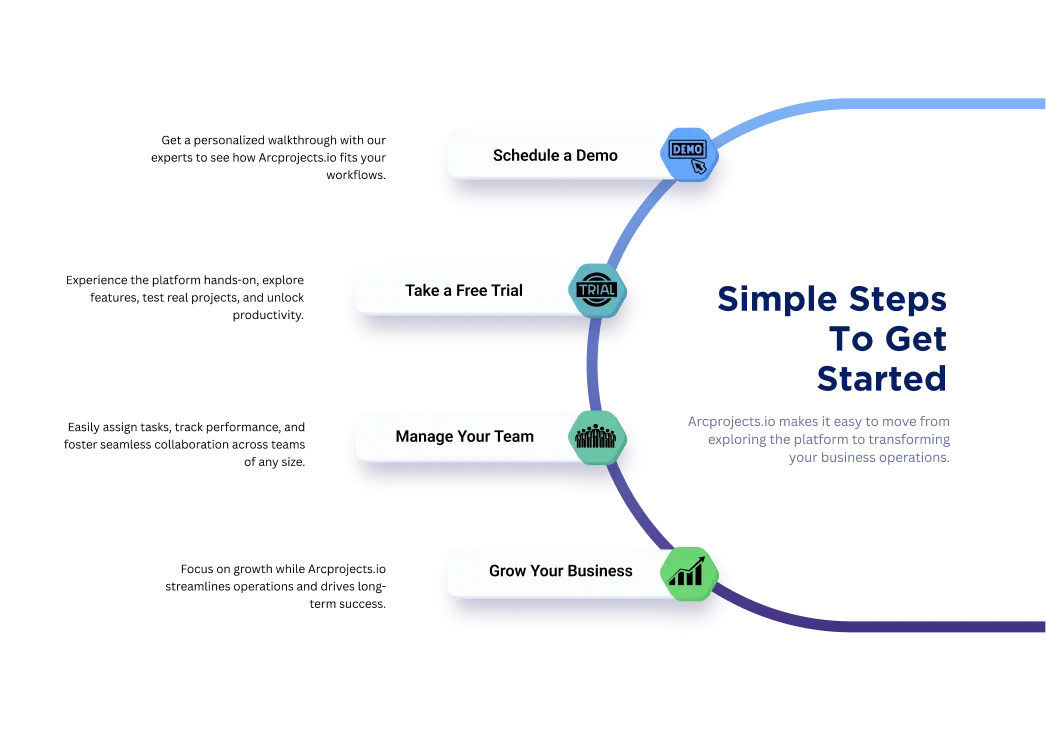
No sales calls required, no long contracts, no complicated setup. Here is exactly what happens from the moment you register.


Once you are live, every stage connects to the next automatically. Time logged becomes cost data, cost data becomes invoices, and everything feeds your reports — with no re-entry in between.
Create projects with tasks, budgets, deadlines, and team assignments. Everything your team needs to start working is defined in one place, visible to everyone who needs it.
Team members record hours and expenses directly against tasks, daily or weekly. Every billable hour and cost is tied to the right job from the moment it happens.
See who is available, who is overloaded, and where the gaps are. Allocate people to projects and rebalance capacity in real time as priorities shift.
Actuals update the moment time is approved. Spot overruns early, see margin on every engagement, and keep stakeholders informed before problems escalate.
Timesheets pass through approval before billing. Approved hours convert directly into accurate invoices at the correct rates — no re-entry, no disputes, no lost revenue.
Dashboards show profitability, utilisation, and budget health across your portfolio. Use real data to price the next project better — not just to review the last one.
These are the modules you mix and match when picking your features. Each one does a specific job — and they all share data automatically.

Create and manage projects with tasks, milestones, deadlines, and team assignments. See progress at every level, from individual tasks to full portfolio view.

Team members log hours against tasks daily or weekly. Timesheets flow through approval before feeding automatically into cost reports and client invoices.

Allocate your team across projects with interactive Gantt charts and a clear view of capacity and utilisation. Spot conflicts before they happen and adjust in real time.

Track spend against budget as work happens — not after the month closes. Flag overruns early and understand the margin on every engagement.

Convert approved timesheets into accurate client invoices with one click. Set billing rates by role, task, or project and get paid faster.

Real-time dashboards show utilisation, profitability, and budget health across your whole portfolio. Export reports for clients or leadership in seconds.

Manage leads, clients, and relationships alongside delivery. Keep every contact, opportunity, and client history in one place — and turn won work into live projects without re-entering a thing.

Handle leave requests, holiday allowances, and approval workflows in one place. Managers approve timesheets, expenses, and holidays from a single queue with full visibility of team availability.

Build fee structures with the fee builder and rate cards, issue quotations and purchase orders, and capture expenses against the right job — keeping pricing consistent and margins protected.

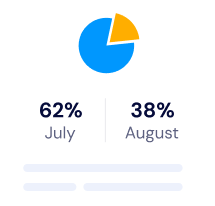
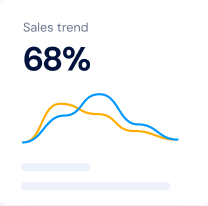
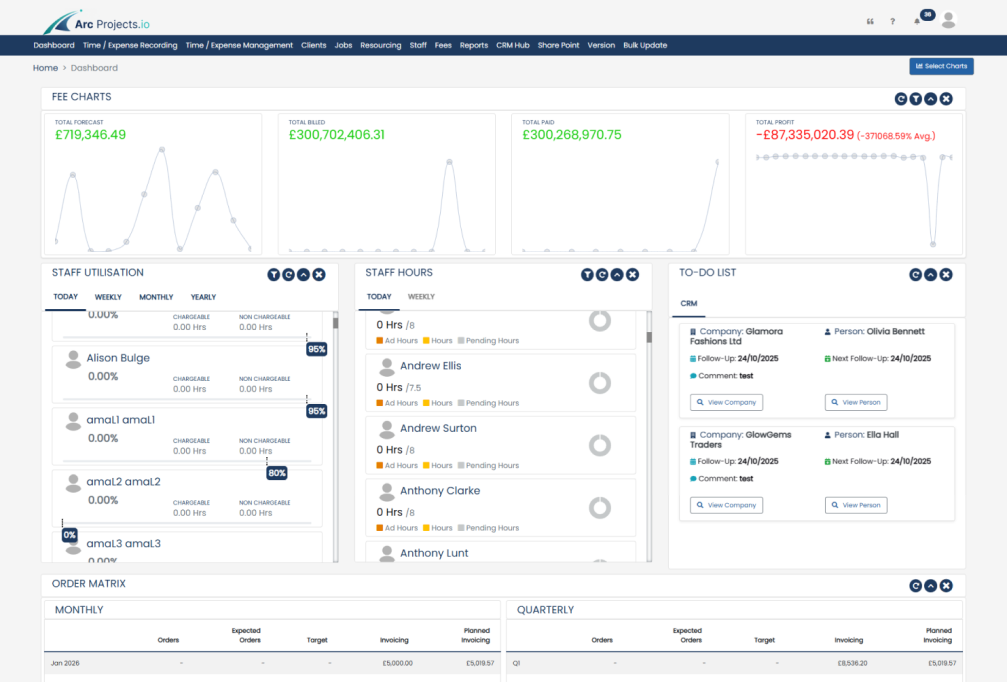
The moment a timesheet is submitted or a cost is logged, your dashboards reflect it. You never wait for a weekly report or reconcile spreadsheets to know how a project is performing — the answer is always on screen, always current.

Actuals update the moment time is approved. See exactly how much budget has been used and how much remains — before the overrun happens.

Know immediately who is under-utilised and who is at risk of burnout. Balance workloads proactively instead of reacting after deadlines slip.

Arcprojects.io keeps improving, and every new feature and enhancement arrives in your workspace automatically — no upgrade fees, no versions to install.

Real people answer, Monday to Friday, 9:00 to 17:30. Reach our team by email or phone and get clear, fast help whenever your team needs it.
The biggest time drain in most service businesses is not the work itself — it is the overhead around it. Chasing timesheets, reconciling spreadsheets, re-entering data between systems, and hunting for up-to-date cost information all pull people away from billable work. Arcprojects.io eliminates that overhead by making data flow automatically from the point of capture to the point of use.
When a team member logs time, that hour is immediately visible in the resource plan, the project cost report, and the billing queue. Nothing needs to be manually copied or summarised. The result is less admin, fewer errors, and faster payment.
From your first day on the platform, you are never on your own. Our support team is available Monday to Friday, 9:00 to 17:30, for questions, guidance, and issue resolution — and every future upgrade to Arcprojects.io is included in your licence at no extra cost.
Your data is protected with secure hashing, strict access controls, and daily automated backups, so your projects, timesheets, and financial records are always safe and always recoverable.

Everything you need to know about signing up, picking features, the free trial, and what happens after it ends.
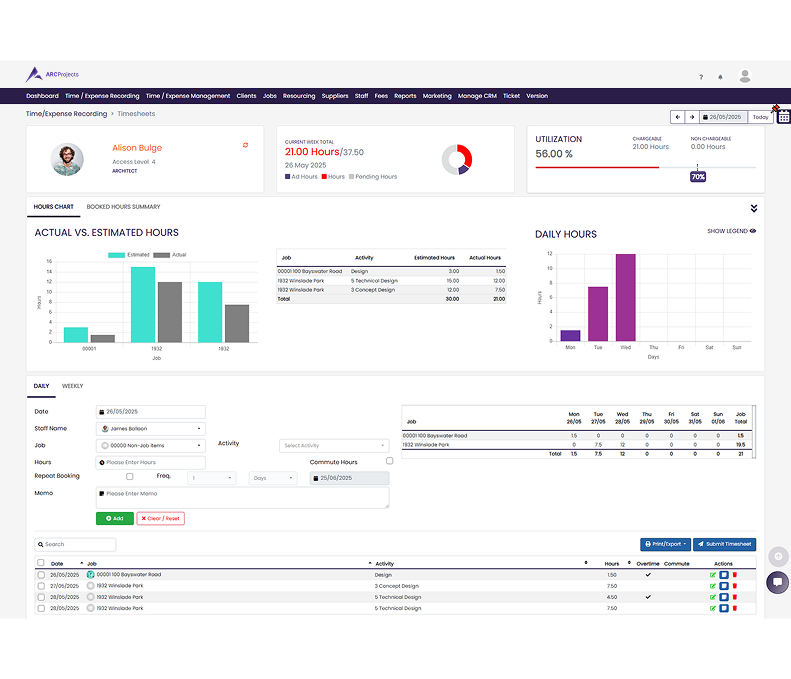
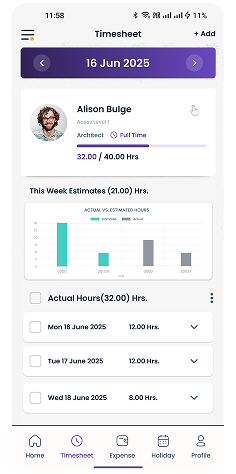


Register, pick your features, add your payment method, and your team can be working on the platform today. Prefer a guided tour first? Book a live demo and we will walk you through it with your own project scenarios.